Ultimate Lens Flare: an effect that knows what blocks the sun
· 3 min read · three.js, react-three-fiber, post-processing, shaders, open-source
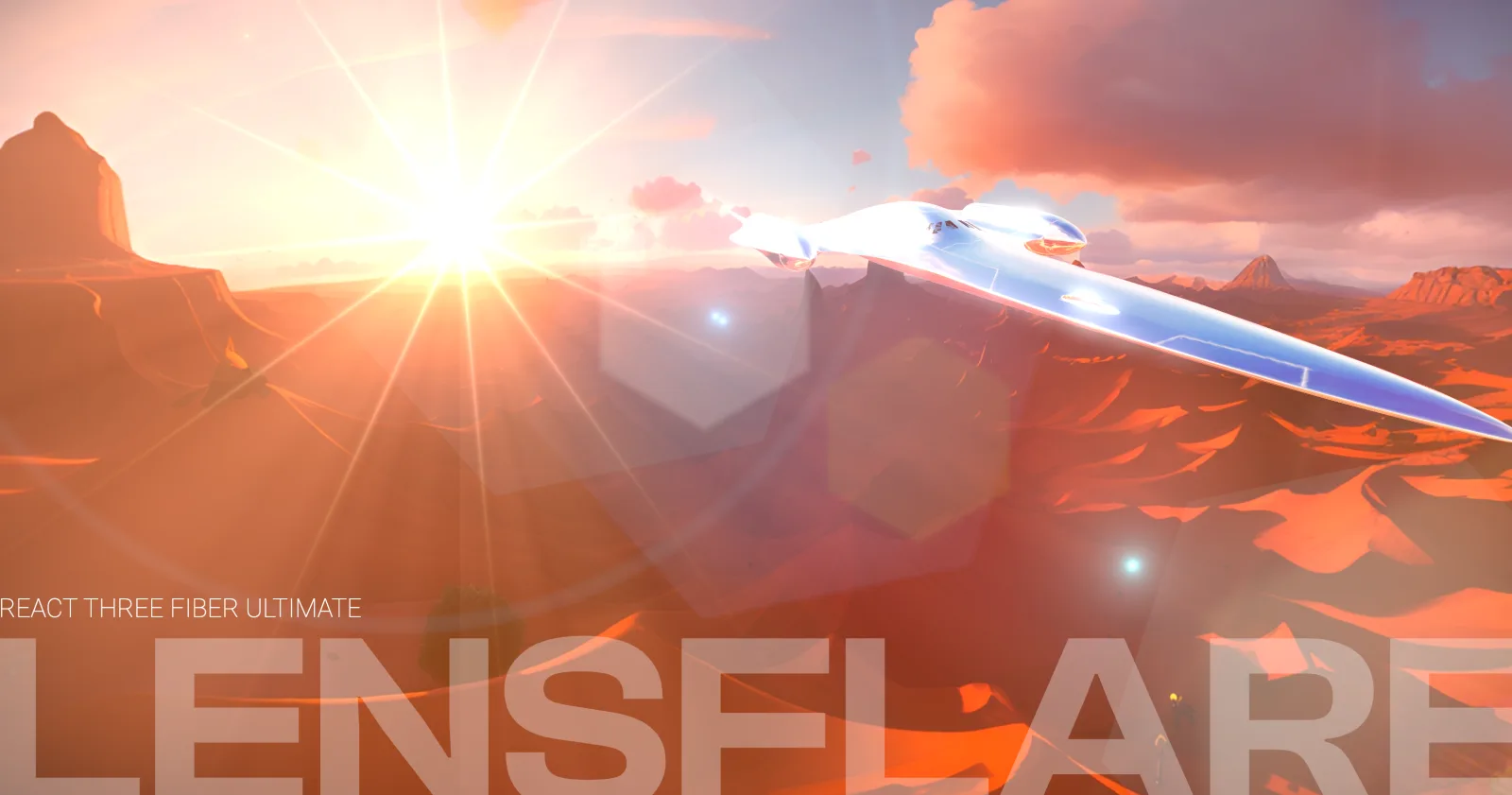
A lens flare is one of the oldest tricks to make a render feel like a photograph. Light enters the lens, bounces between its elements and leaves streaks, ghosts and a veil of glare. In a game or a configurator it is also one of the first effects that looks cheap when it is faked: if the flare is painted on top of the screen, it stays there when a building walks in front of the sun.
Ultimate Lens Flare is a small effect for React Three Fiber that fixes that one thing. It is an EffectComposer effect for @react-three/postprocessing, published as @andersonmancini/lens-flare and released under CC0.
Using it #
import { LensFlare } from "@andersonmancini/lens-flare";

<EffectComposer>
  <LensFlare dirtTextureFile="/lensDirtTexture.png" />
</EffectComposer>
The only required prop is a lens dirt image, a small 16:9 texture that the flare lights up, like the smudges on a real lens. Everything else has a default: the position of the light in the 3D world, the number of star points, the size of the glare, the ghosts, the burst, a blend mode and the color.
One pass, three kinds of light #
The visual part is a single full-screen shader, in an effect file of about 250 lines. It adds three things on top of the scene:
- a star burst with a configurable number of points, which can be circular or hexagonal,
- ghosts, the repeated, faint shapes the lens elements add across the frame,
- the glare and halo around the light, and a lens dirt texture that the flare lights up.
Because it runs inside the effect composer, it blends with the scene using any postprocessing blend function: the default is normal, and PIN_LIGHT or OVERLAY give very different looks.
What makes it different: it knows what is in front of the sun #
The shader is only half of it. Every frame the effect takes the world position of the light and projects it into the camera. If it is behind the camera, nothing is drawn. If it is in front, a ray is cast from the camera through that point, and the first object it hits decides the brightness of the flare:
- an opaque object blocks the flare,
- a glass-like material, with a transmission above 0.2, lets a dimmed flare through, at 20% of its brightness,
- a transparent material uses its own opacity as the brightness of the flare.
The change is smoothed with a damped transition, so the flare fades when something crosses the sun instead of popping off.
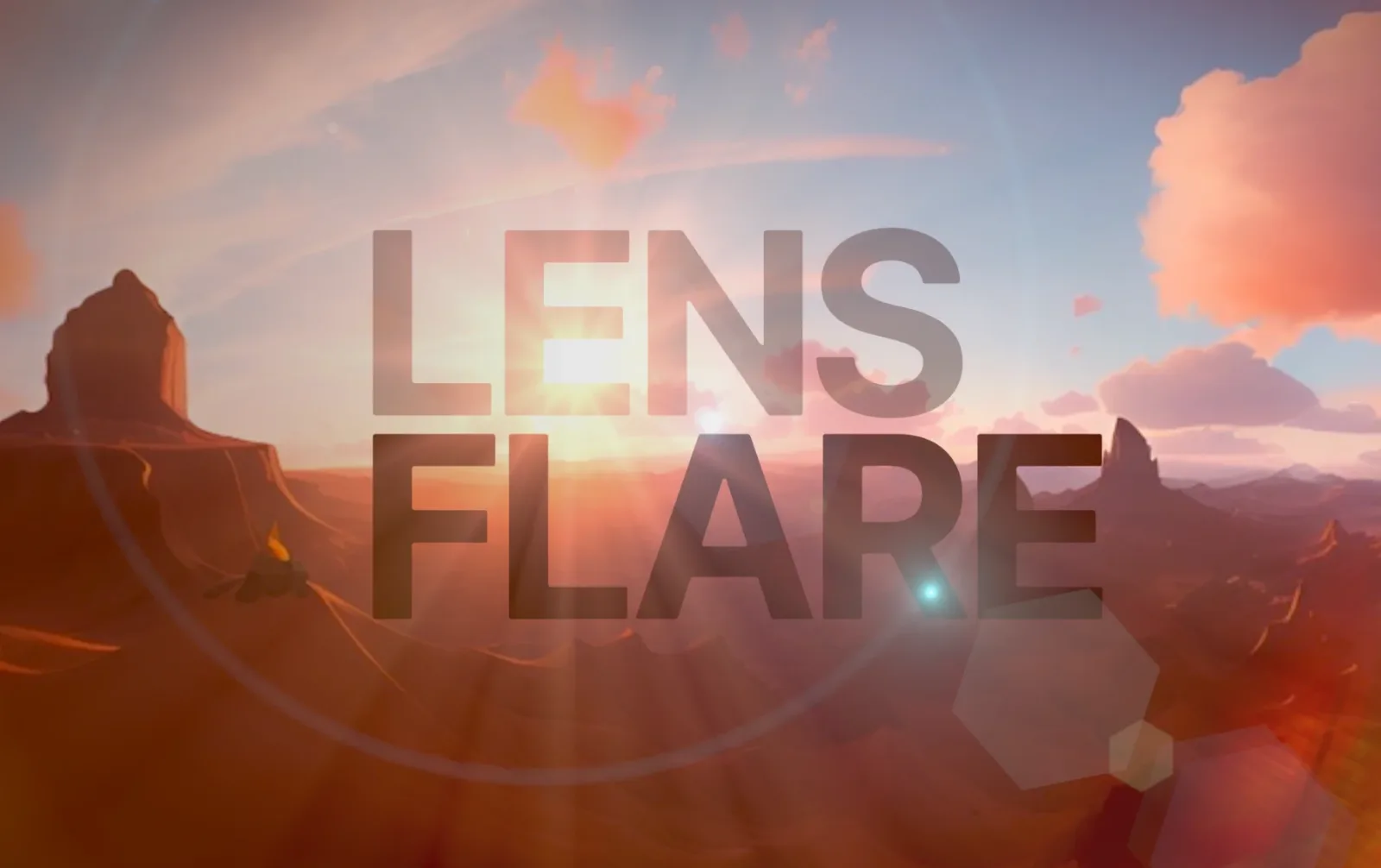
This is why the README has a short list of limitations that are worth knowing: only the first hit counts, so a transparent object behind an opaque one has no effect, and for an object to behave like glass its material must have a transmission or be marked transparent with an opacity. A skybox can be excluded from the raycast with userData={{ lensflare: "no-occlusion" }}.
Performance #
Raycasting against a scene every frame is the cost. Two things keep it cheap:
- wrap the scene in
<Bvh>, which gives the raycaster an acceleration structure, - lower the
dprand turn offmultisamplingon the composer if you need the frame back.
The star burst is the most expensive part for some GPUs, and the README suggests turning it off when the frame rate falls, for example with drei's PerformanceMonitor.
If you do not need occlusion at all, followMouse turns the effect into a pure 2D one that follows the cursor and ignores the scene.
Where it stands #
It was written in May 2023 for WebGL 2 and three.js r152, on top of the postprocessing library, so it is a WebGL effect: it does not run on the WebGPU renderer.
The source, the demos and the documentation are in the repository, and the project page here has the video: Ultimate Lens Flare.
Related projects
- Ultimate Lens Flare — Realistic lens flare component for R3F and Threejs