Threejs-Punk: a free WebGPU racing game that runs in the browser
· 5 min read · three.js, webgpu, tsl, game-dev, performance
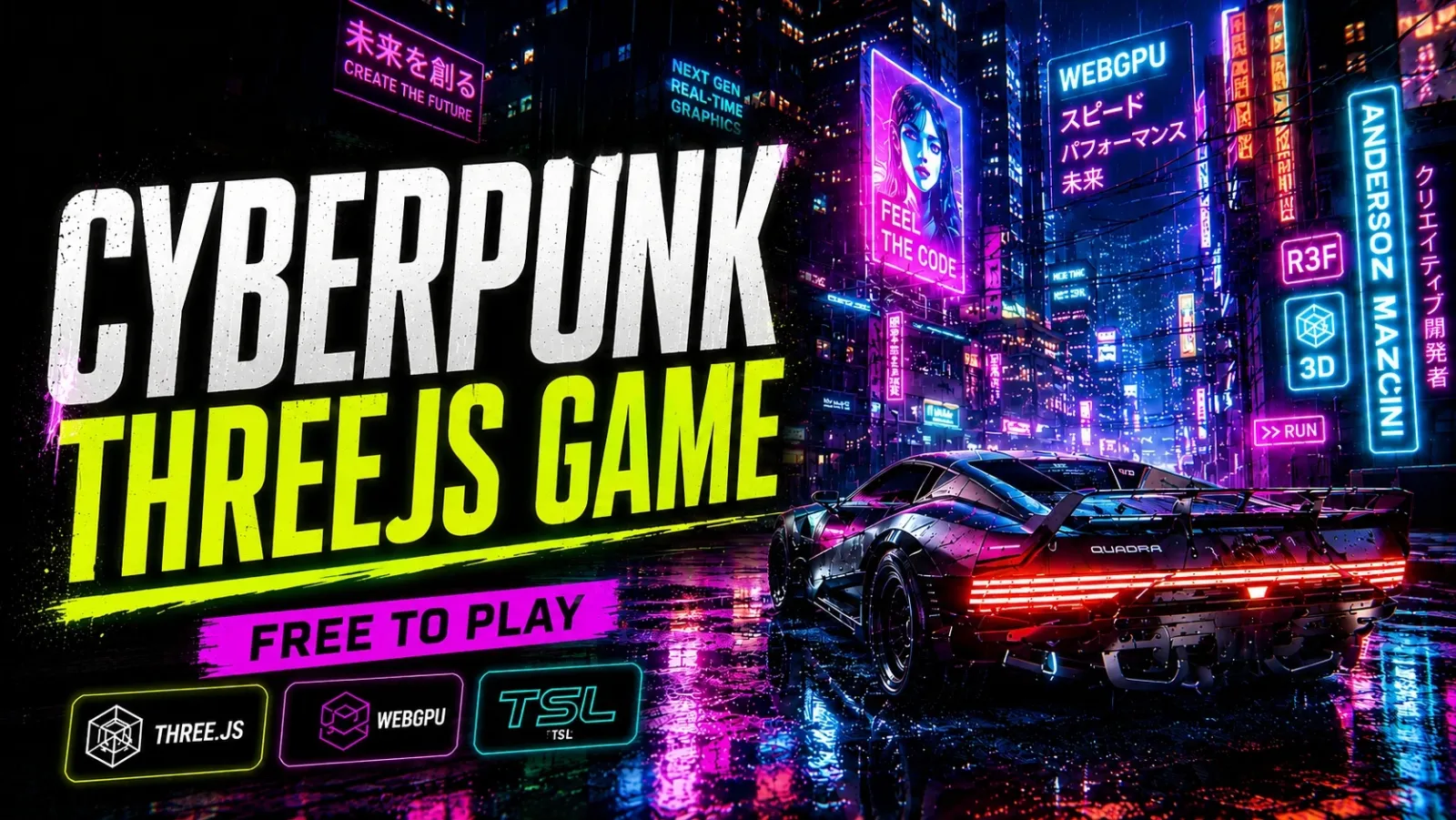
Threejs-Punk is a racing game that runs in a browser tab, on desktop and on phones, and costs nothing to play. You drive a sports car through a rainy cyberpunk metro, clear more than 50 missions, switch between cars and chase collectibles across a 3.8 km city.
I did not want a tech demo with one pretty street. I wanted a game you could keep playing after the first minute, and I wanted it to be built on WebGPU and TSL (Three Shading Language) from the first line. This post is about the parts that were harder than I expected.
A city you can drive through #
The city is not one big model. Buildings come out of Blender as a kit of pieces, and a map generated from a reference image places them along streets, avenues, elevated expressways, bridges and a harbor. Lamps, props and traffic go on top.
The car is a rigged model on a Rapier physics world with a tire and drivetrain model, driving assists and a chase camera. The engine sound comes from a sampled V8.
That is a lot of geometry for a browser, and most of the work went into not drawing it. The city's buildings are instanced, meshes that would be drawn identically are merged into one draw, and a small software depth buffer on the CPU skips buildings hidden behind the first row of facades. In the street view that removes between 56% and 76% of the city instances before the GPU hears about them.
Rain that lands on rooftops #
Rain is the soul of the scene, and it was the hardest effect to get right. The obvious approach, particles falling forever, looks wrong the first time a drop passes through a roof. The next obvious approach, a raycast per drop against the city every frame, costs far too much.
The version that stayed uses a trick from shadow mapping: render the world once from above, and let the rain read the result.
- An orthographic camera looks straight down on a 100 × 100 meter volume that follows the player.
- It renders the scene with one override material that outputs the world position of whatever is on top of each column.
- The result goes into a small half-float texture (512 × 512) with nearest filtering. That is a height map: for any
(x, z), the texture says where the first surface is.
// The height pass: every texel stores the world position of the topmost surface.
this.renderTarget = new THREE.RenderTarget(resolution, resolution);
this.renderTarget.texture.type = THREE.HalfFloatType;
this.renderTarget.texture.magFilter = THREE.NearestFilter;
this.renderTarget.texture.minFilter = THREE.NearestFilter;

this.material = new THREE.MeshBasicNodeMaterial();
this.material.outputNode = vec4(positionWorld, 1);
Nearest filtering matters. With linear filtering the edge of a roof blends into the street below, and drops stop on a floor that is not there.
The drops themselves live entirely on the GPU. A compute shader moves every drop, samples the height map at its (x, z) and, when the drop falls below the floor it finds, respawns it high above the volume:
const coords = collisionHeight.getUV(position);
const floorHeight = texture(collisionHeight.renderTarget.texture, coords).y;

If(position.y.lessThan(floorHeight.add(0.05)), () => {
  // respawn above the rain volume, with a new random position and speed
});
The splashes use the same texture, so a splash appears on a roof, on the hood of the car or on the street, wherever the drop actually landed. There is no per-drop CPU work at all, and the height map is only re-rendered every other frame: drops collide with a view that is one frame old, and nobody can tell.
The sky, the smoke and the rain itself have to be hidden during the height pass. Otherwise the particles become the floor and the rain lands on itself.
The iPhone that lost its GPU #
Everything above ran well on my laptop. Then I tried an older iPhone.
A second or so after the render loop started, the WebGPU device was destroyed: GPUDeviceLost, reason destroyed, no message, and every following frame threw "Unable to make command encoder". No texture or vertex budget changed it.
The cause was the number of shader modules and pipelines. Three.js keys a program by the text of its WGSL, and two instanced meshes with the same material and layout differ only in generated counters, such as the id of each mesh's own instance-matrix buffer. The metro has around 200 instanced meshes, so it was creating around 200 modules for about 70 different programs.
The fix is small: before the lookup, renumber those identifiers by order of appearance, so two meshes that really are the same program produce the same text. On the metro at the lite phone budget that took the shader modules from 370 to 90 and the render pipelines from 332 to 66, with the same image on screen.
The same lens helped the startup. A production build was creating 1016 pipelines from 829 shader modules, and 69% of that time was JavaScript building node graphs rather than the GPU compiling. Fewer, shared programs fix both problems.
A few rules I would keep #
- Uploads cost as much as draws. Moving instance matrices into storage buffers that upload only when they change cut the buffer writes per frame from about 2,300 to about 240.
- Render passes should draw only what they need. The shadow and rain-height passes draw box proxies of the city and a one-draw stand-in for the car, not the real meshes.
- Cut an effect when it fights the platform. Screen-space reflections went away early. A manual planar reflection with roughness-driven strength is cheaper, steadier on WebGPU and looks right for wet asphalt.
- Measure each phone class. Phones run at a lower pixel ratio and with fewer rain streaks, and an adaptive pixel ratio drops resolution when the frame rate stays low.
Play it #
The game is at threejspunk.com, and the project page on this site has the video and the technology list: Threejs-Punk. I started it with Sunag, the creator of TSL, and a lot of what is in here is only possible because TSL lets a material be a graph you can reuse and compose.
If something here is useful for your own scene, the rain is the part I would copy first: a top-down height texture plus a compute shader is a small amount of code, and it makes weather feel like it belongs to the world.
Related projects
- Threejs-Punk — Fully featured Racing Game