A whole house in the browser with KTX2 and baked light
· 1 min read · react-three-fiber, archviz, ktx2, performance, launch
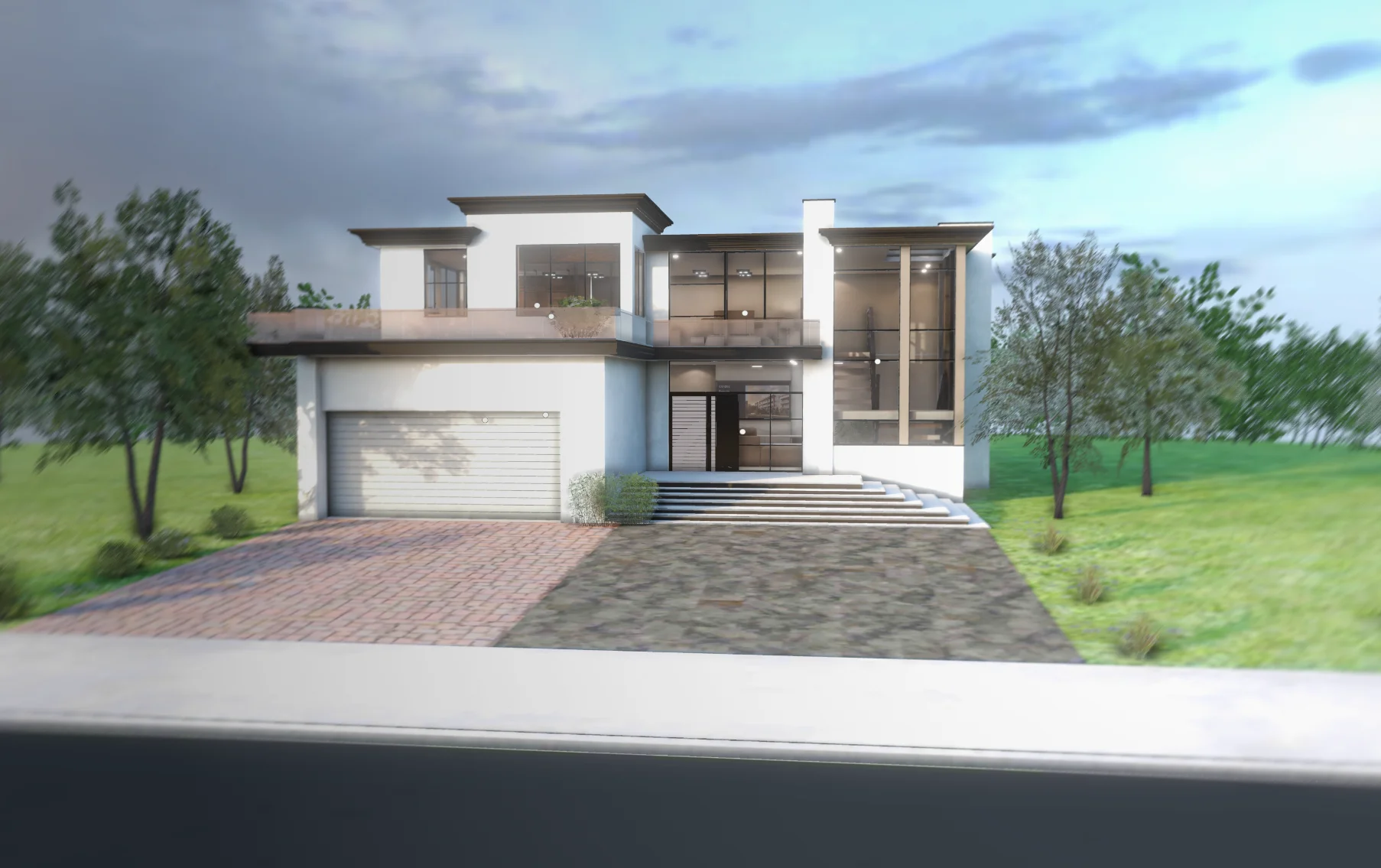
A house is a lot of geometry and a lot of texture. The usual way to show one in a browser is to cut something: fewer details, lower quality, a long loading screen. Planpoint House is a walkthrough that tries to keep the realism and be light at the same time.
Two decisions that make it light #
- All materials are KTX2 textures. They stay compressed on the GPU, so a full building does not blow the memory of the device.
- Lighting and surface detail are baked into the maps. Soft shadows and believable materials come from the textures, at a fraction of the cost of live lights.
Both choices trade flexibility for speed on purpose. A house that is not going to change does not need its lighting recomputed on every frame.
One continuous tour #
You move from the outside in and walk the rooms as one experience, with no cut between exterior and interior. It is a complete home tour, with performance and polish given the same weight.
Related videos #
There is a video about the performance of this kind of project and one about the plan viewer for Planpoint.
Try it #
The walkthrough is live at planpoint-house.vercel.app, and the details are on the project page.
Related projects
- Planpoint House — Full house walkthrough with baked KTX2 textures