AutoFocus: depth of field that focuses on what you look at
· 2 min read · three.js, react-three-fiber, post-processing, open-source
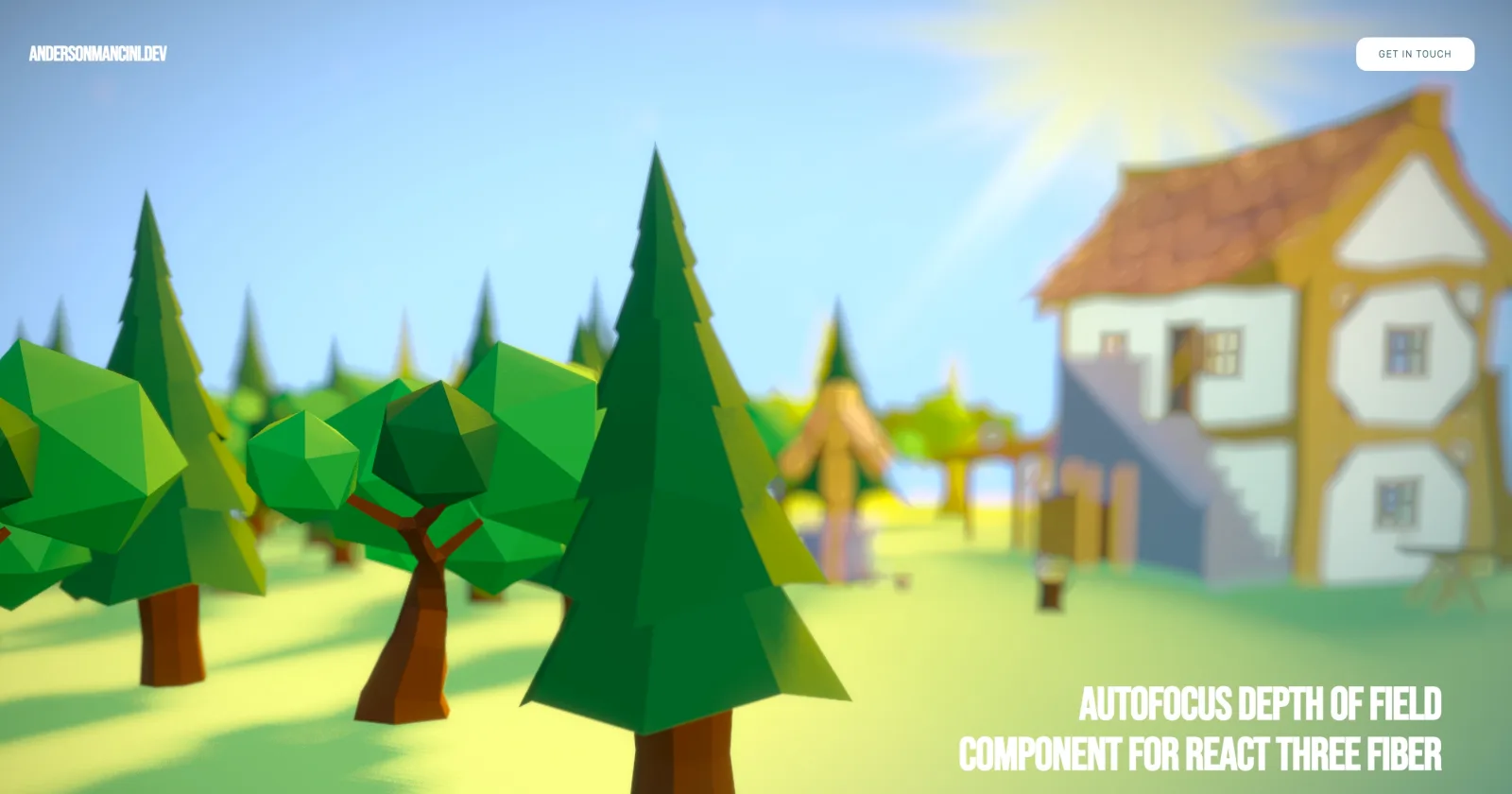
Depth of field is the cheapest way to make a 3D scene look like a photograph, and it is also the easiest to get wrong. If you set a fixed focus distance, the blur is right for one camera position and wrong for every other. The thing a person looks at should be sharp, wherever the camera is.
In April 2023 I wrote a small component for React Three Fiber that does exactly that, and it later became part of the official post-processing library. It is only a few dozen lines, so the whole idea fits in this post.
The idea #
Every frame, cast a ray from the camera into the scene, either through the center of the screen or through the mouse. The first thing the ray hits is what the person is looking at, so that point is where the focus goes. Move the focus there smoothly, and the depth of field effect does the rest.
export default function AutoFocusDOF({
  bokehScale = 10,
  focalLength = 0.001,
  focusSpeed = 0.05,
  mouseFocus = false,
  resolution = 512,
}) {
  const { camera, mouse, scene } = useThree();
  const ref = useRef();
  const raycaster = new Raycaster();
  const finalVector = new Vector3();
  raycaster.firstHitOnly = true;

  useFrame(() => {
    raycaster.setFromCamera(mouseFocus ? mouse : new Vector2(0, 0), camera);
    const intersects = raycaster.intersectObjects(scene.children);

    if (intersects.length > 0) {
      finalVector.lerp(intersects[0].point, focusSpeed);
      ref.current.target = finalVector;
    }
  });

  return <DepthOfField focalLength={focalLength} bokehScale={bokehScale} height={resolution} ref={ref} />;
}
Three details do the work:
firstHitOnly: the ray only needs the nearest surface, so it can stop at the first hit.lerp(..., focusSpeed): the focus point is never set directly, it moves a fraction toward the new point each frame. The focus glides to a new object, the way a camera lens does, instead of snapping.mouseFocus: with it off the center of the screen is the focus, which works for a first-person or orbiting camera. With it on, the cursor picks it.
The part you cannot skip #
A raycast against a whole scene every frame is expensive. The component only works well when the scene is wrapped in a BVH, an acceleration structure for raycasting, with firstHitOnly:
<Canvas>
  <Bvh firstHitOnly>
    <Scene />
  </Bvh>
</Canvas>
Without it, every ray tests far more of the geometry. With it, each ray only visits the small part of the scene it passes through.
Known issues #
I documented two, and they are the kind of limits that come with raycasting for focus:
- Anything that covers the whole screen, such as a particle system, is seen by the ray and takes the focus away from the objects behind it.
- After a canvas resize the focus stopped working. It was still open when I stopped updating this repository.
It became part of the library #
This repository is not the one to use anymore. The component was brought into @react-three/postprocessing as its Autofocus effect, which is easier to use and is maintained. The original repository still works, and I stopped adding features to it in December 2023.
A small component, written for one project, ended up folded into the library it extended. The project page here has the original demo video.
Related projects
- AutoFocus Component — Free component for R3F